Changelogs
Stay up to date with the latest changes and enhancements.
Stay up to date with the latest changes and enhancements.

02. Sep 2026
Share
 Spotlight Rental Is Here
We’re excited to introduce Spotlight Rental a new way to give viewers temporary access to your paid content without requiring them to purchase it permanently.
Give your audience more freedom to rent, watch, and enjoy your content on their terms.
 Rent Spotlights or Videos
With Pay Per Spotlight, viewers can rent an entire Spotlight.
With Pay Per Video, they can rent individual videos .
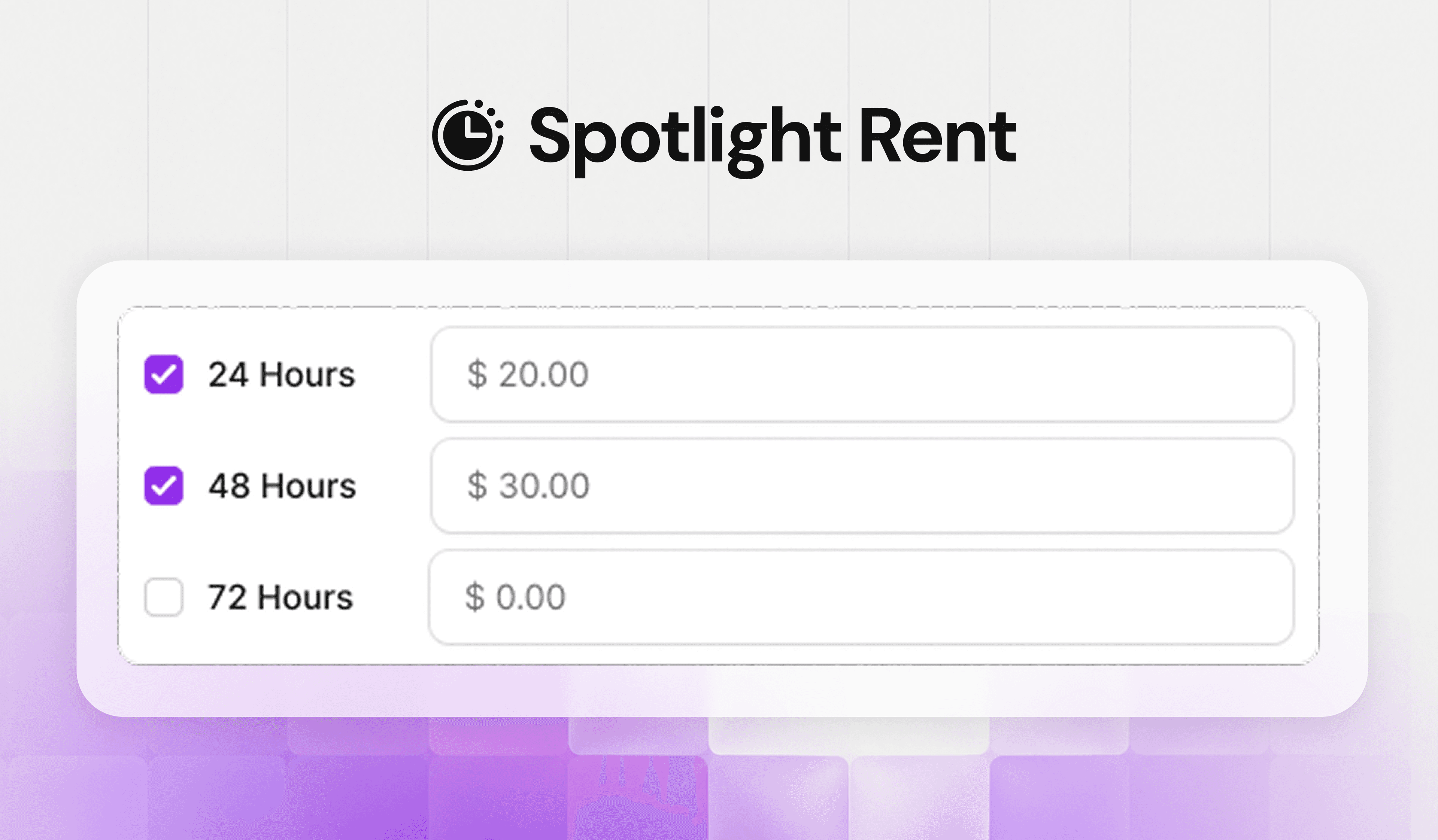
 Flexible Rental Periods
Choose 24, 48, or 72 hours for each rental.
The rental period starts when the viewer first presses Play, giving them control over when their rental begins.
 Give Viewers Time to Start
Set a Start-Watching Window to give viewers time to begin their rental.
For example, a 7-day window gives them 7 days to start watching before their rental period begins.
 Clear Rental & Purchase Tracking
Viewers can see rentals and purchases separately on the Billing page.
Creators can track rentals, purchases, views, and revenue separately in Analytics.
 Getting Started
Spotlight Rental is available for Pay Per Spotlight and Pay Per Video.
Configure your Rental Period and Start-Watching Window from your Spotlight Settings.
 More Ways to Watch. More Ways to Monetize.
This is just the beginning.
Spotlight Rental gives viewers more choice while giving creators another way to monetize their content.