Changelogs
Stay up to date with the latest changes and enhancements.
Stay up to date with the latest changes and enhancements.

29. Sep 2026
Share
Keeping your videos on-brand just got much easier. Workspace branding can now be brought to videos and playlists you’ve already created, so you don’t have to update each one individually just to keep your experience consistent.
 Bring Your Brand to Existing Content
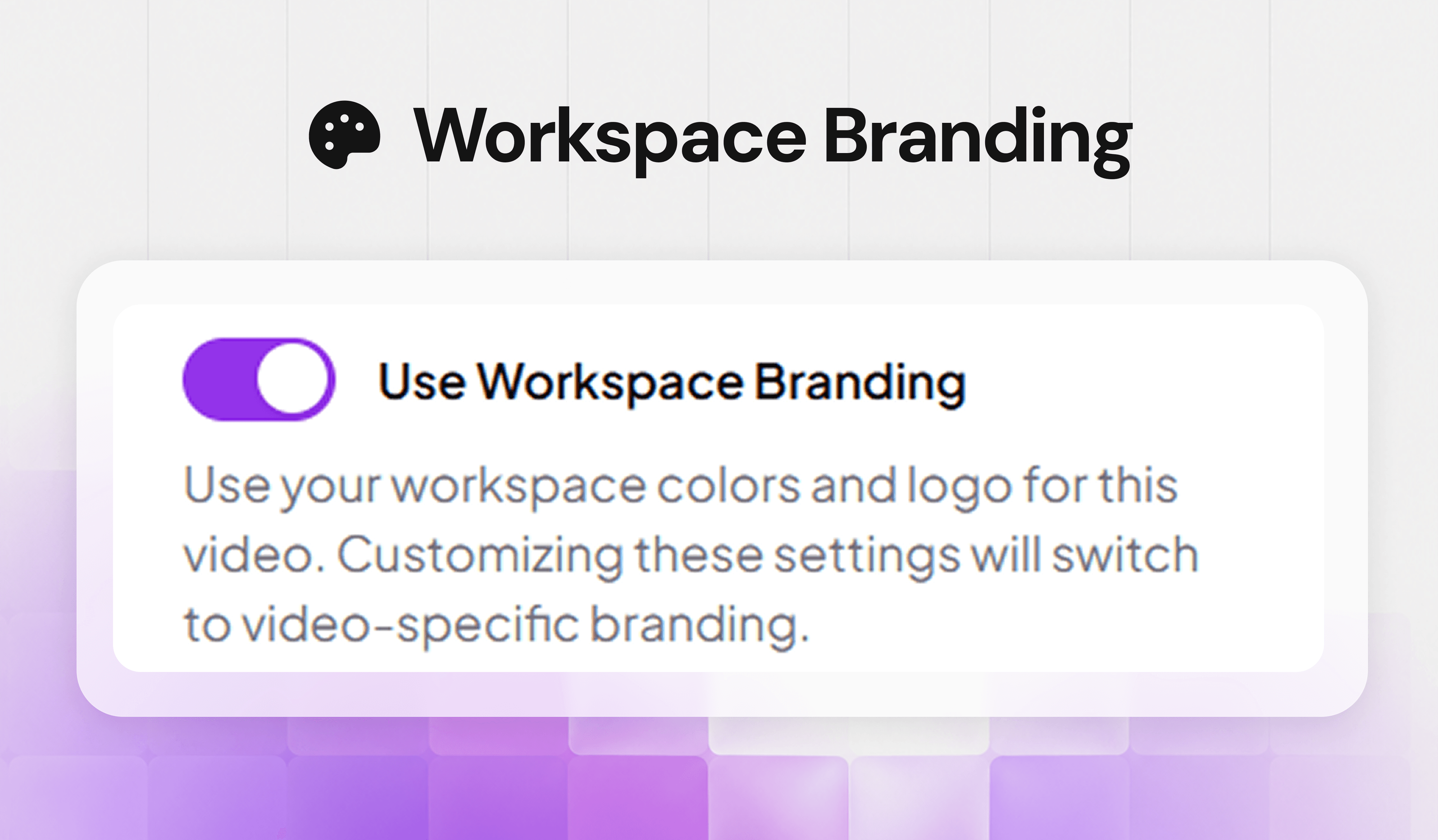
From the Brand Style , simply enable Use Workspace Branding to apply your workspace’s configured player colors,caption and logos to existing videos and playlists.
No repetitive updates. No going video by video. Just your workspace branding, carried across your content.
 Keep Your Player Settings Consistent
Want your player controls to match your workspace settings too? The Use Workspace Player Settings option lets you apply the player controller configuration from your Branding page to an individual video or playlist.
This gives you an easy way to keep the player experience consistent with your workspace, while still giving you control when needed.
 Works Across Your Video Experience
Workspace branding and player settings can be applied across single videos, playlists, shared videos, and embedded videos, making it easier to keep everything looking and playing consistently wherever your content appears.
 Ready to Try It?
Head to your Branding page and configure your workspace branding and player settings. Then open a video or playlist and enable Use Workspace Branding or Use Workspace Player Settings to bring those settings across.
Set your brand once. Bring it everywhere. Keep every video feeling like Skippz. 
